Modify Teams tenant configuration
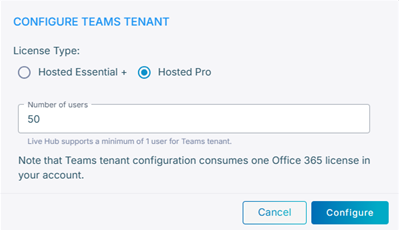
You can change the license type and the number of users you selected when connecting the tenant. For what each of them means, see Connect a Teams tenant in Live Hub.
To change the license or the number of users:
-
In the Navigation pane, expand Voice channels, and select Microsoft Teams.
-
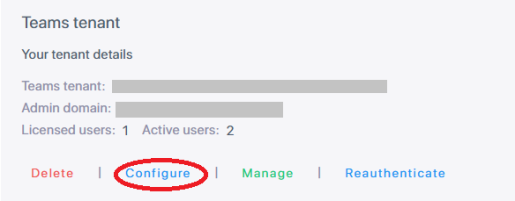
Under Teams tenant, click Configure.
-
Change the license type or the number of users, and then click Configure.